
Systems and everyday living
Make the technology serve the house.
A connected device is useful when it solves a defined problem and remains understandable to the people using the house. Begin with comfort, lighting, water use and maintenance goals. Then decide which controls and measurements support them, rather than adding technology because it carries a smart label.
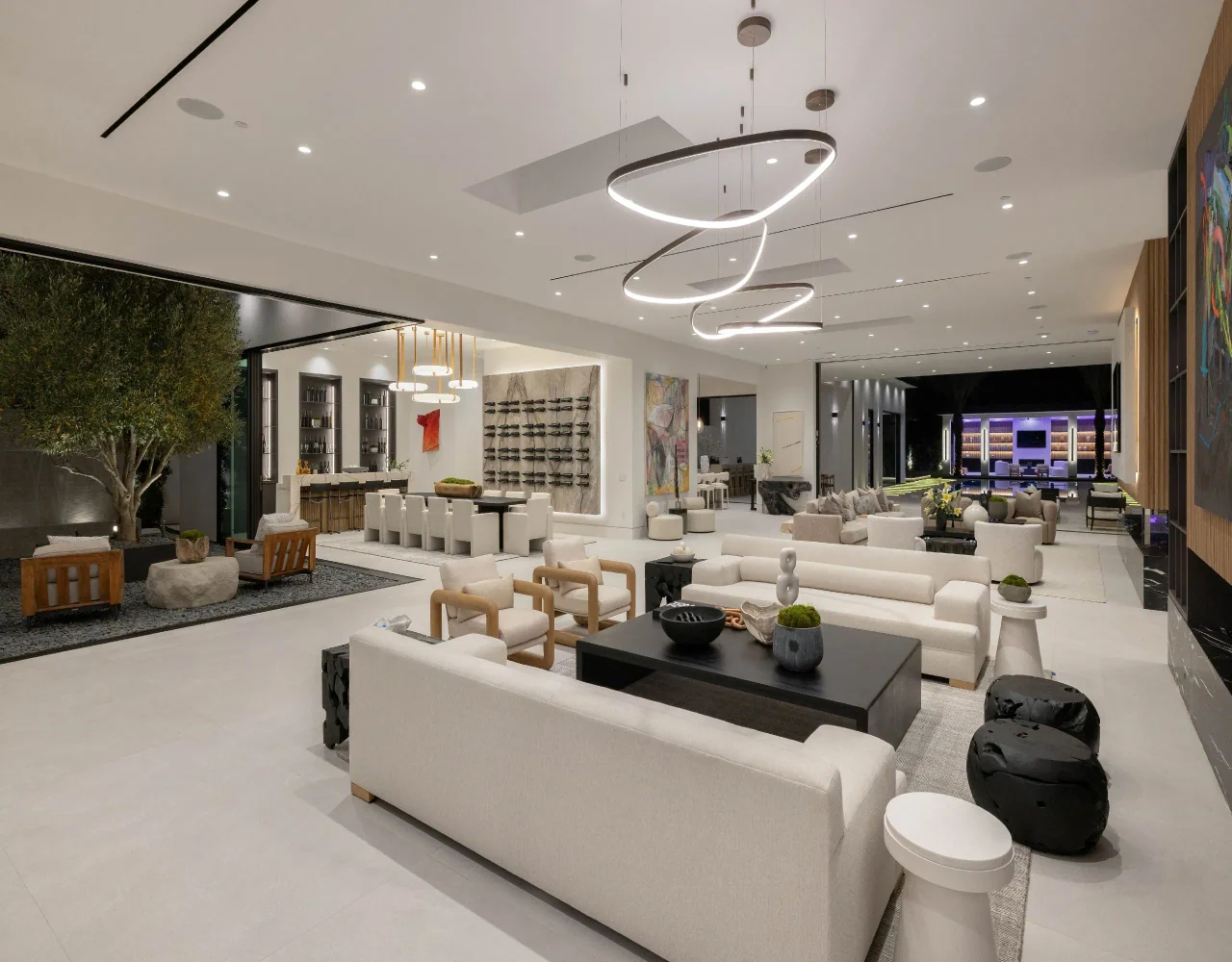
Choose an outcome before choosing a platform.
List the tasks the home should handle: a simple evening lighting scene, a useful temperature schedule or visibility into unexpected consumption. Decide which functions must work locally if an internet service is unavailable.
Keep resource use and convenience as separate objectives. An attractive app does not demonstrate lower energy or water consumption. Where performance matters, agree what will be measured and who will review the information.
Coordinate heating and cooling controls with the equipment.
Have the system designer and installer confirm controller compatibility and the intended operating sequence. ENERGY STAR’s thermostat guidance explicitly asks buyers to check compatibility; product certification does not replace a design review of the whole system.
Provide understandable settings and an appropriate manual adjustment method. Discuss how occupancy patterns and user preferences will be introduced during commissioning rather than assuming the default programme suits every household.
Use automation where it answers a clear need.
Coordinate lighting scenes with the actual fixtures, daylight and room uses. Keep essential controls easy to find and explain. Decorative and task lighting should still form a considered design when automation is not being used.
For landscaping, assess irrigation controls with the landscape professional. WaterSense guidance distinguishes weather-based and soil-moisture-based scheduling and stresses appropriate installation and maintenance. A new controller does not repair a poorly arranged irrigation system by itself.
Design for ownership and future maintenance.
Identify which devices depend on accounts, subscriptions, cloud services or a particular network. Ask the provider to explain updates, access permissions and what happens if equipment is replaced or a service ends.
Keep equipment and connection points accessible. The architecture should accommodate the necessary hardware without placing routine maintenance behind permanently finished surfaces. Document who supports each system after handover.
Test the everyday routines in the completed home.
Commission the agreed functions and walk through them with the owner. Check simple operations, manual controls and any designed fallback modes. Record what has been tested rather than describing the whole residence as automatically intelligent.
Collect operating instructions, configuration records and ownership access through a secure handover. Revisit settings after actual use where that service has been agreed. Technology should support the home’s daily life without making basic actions difficult.
Questions for the first meeting
- Specific comfort, lighting or resource-use goals
- Compatible equipment and control sequence
- Useful manual and fallback operation
- Account ownership, updates and support
- Commissioning record and owner walkthrough
Further information
Review the references below with your project team. Confirm local requirements with the responsible authority and product-specific requirements with the manufacturer.
Planning a custom home or major renovation with an architect or interior designer?
Introduce your project